Hardiness zone
Your USDA zone is suggested from your location. Confirm it once, or change it in settings.
Gardnz is a gardening app for home growers. Lay out your garden beds, pick plants that suit your USDA hardiness zone, and plan around the forecast for your own plot, with a garden buddy keeping you company.
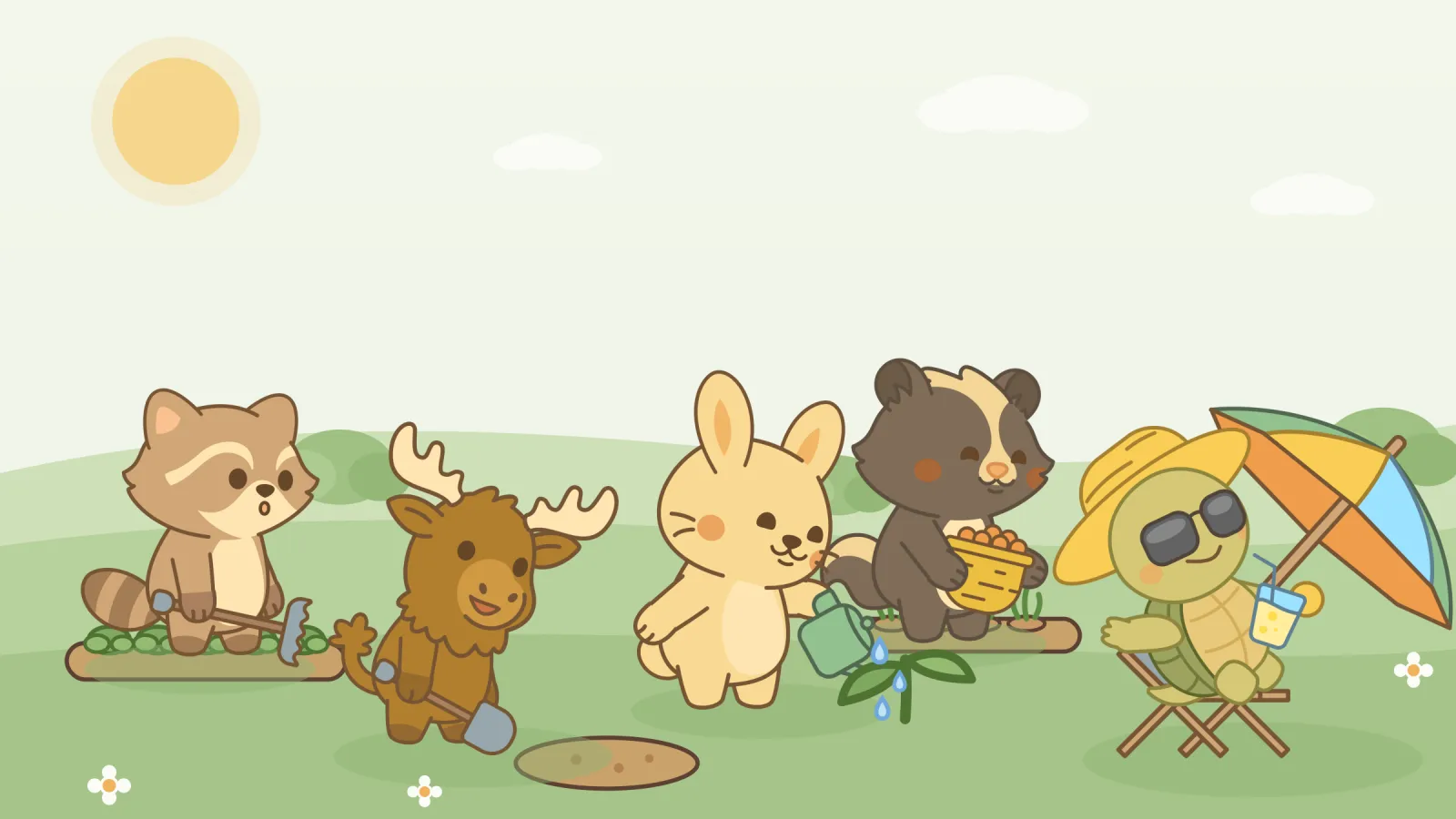
Change the weather. In the app, the Garden tab’s scene follows the real forecast for your plot.
A quick walk through the screens in the current Gardnz build. Scroll and the phone follows along.
Create an account with email and password, or continue with Google (and Apple on iPhone). Give your garden a name while you’re at it.
Where: the first screen when you open the app
Share your location once and Gardnz suggests your USDA hardiness zone. Confirm it, or pick from all 26 zones by hand. Gardnz uses your location for zone and weather and doesn’t store your address.
Where: onboarding, or the settings gear → Garden zone
The Garden tab opens on an animated scene: raised beds, growing plants and your buddy watering, weeding, harvesting and planting. The sky matches your local weather.
Where: Garden tab
Tell Gardnz how big your space is and the Bed Planner suggests a bed size and how many beds will fit. Add a bed and every planting in it shows a countdown to harvest.
Where: Garden tab → Bed Planner, then Beds & Containers
Choose from 50 vegetables and herbs, filtered to your zone. Search, narrow by vegetables or herbs or what’s in season, and see days to maturity, water and sun at a glance. Adding a plant sets reminders for harvest day and watering.
Where: Garden tab → “+ Plant” on any bed
Current conditions and a 7-day forecast for your garden’s coordinates. Rainy days are highlighted, and Gardnz tells you when you can skip extra watering.
Where: Weather tab
Bunny, raccoon, skunk, moose or turtle: pick who tends your garden scene. Purely for fun, and the most important decision you’ll make all season.
Where: Garden tab → Check My Buddy
Pick a seed, then tap squares to plant it. Each square is one square foot. The plant facts come from the Gardnz plant catalog.
Arrow keys move between squares. Enter or Space plants the selected seed, or removes the plant if the shovel is selected.
This is a toy for this website, not the app itself. The square-foot counts are a rough guide worked out from each plant’s catalog spacing. The harvest date is just today plus days to maturity, the same simple maths the app uses for its countdown.
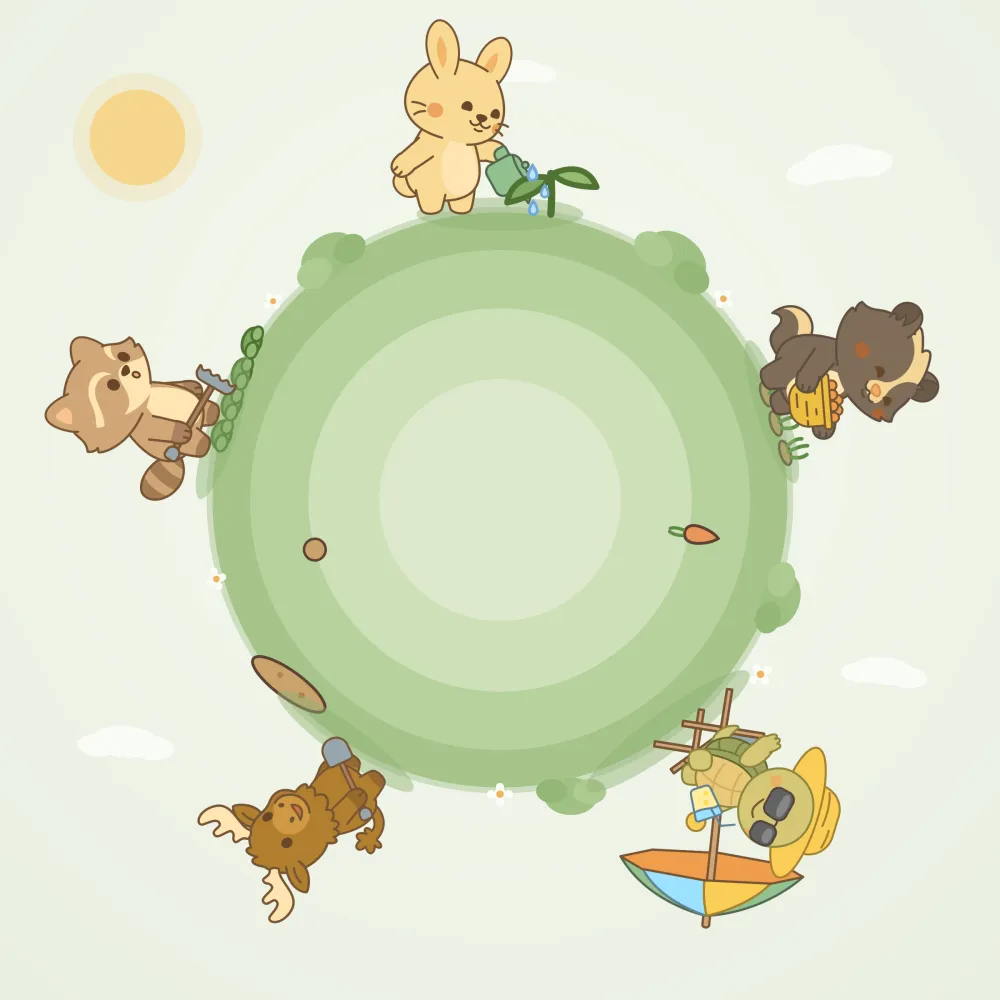
In the app, your buddy lives in the garden scene and takes turns watering, weeding, harvesting, planting and having a little rest. Spin the planet to meet the crew.
Bunny is on watering duty, keeping the new seedling happy.
An honest list: what works in the current build, and what we’re still working on.
Your USDA zone is suggested from your location. Confirm it once, or change it in settings.
Bed sizes and counts come from your garden’s width and depth. Add raised beds and plant them.
50 vegetables and herbs with spacing, sow depth, sun, water and days to maturity, filtered to your zone.
Current conditions and a 7-day forecast for your plot, with a heads-up when rain means you can skip extra watering.
Plant something and Gardnz counts down to its expected harvest day, with watering nudges along the way.
A month-by-month outline of when to start seeds indoors, transplant, sow and harvest, built from your goals.
Fixins™, our sister app, helps households plan meals and shop. The idea: Fixins knows what you cook and buy, Gardnz knows your space, and together they suggest what’s worth growing.
“You’ve been buying onions all the time…”
“…onions like full sun, and you could fit about nine in each square foot.”
“…so why not plant some?”
Gardnz is in development. Join the waitlist and you'll be first to know when it launches, plus early access to the beta.
Your email app should have opened with your request ready. Just hit send and we'll add to the list. If it didn't open, email admin [at] simpledigitalsolution.com.
Tell a friend →Whether you're curious about beta access, have a feature idea, or just want to say hello, we'd love to hear from you.
Your email app should have opened with your message ready. Just hit send. If it didn't, email admin [at] simpledigitalsolution.com.